QUICK GUIDES
See how TBOS works, one task at a time.
Each video is about a minute, recorded in the real app with example data. Start at the beginning or jump to the task in front of you.
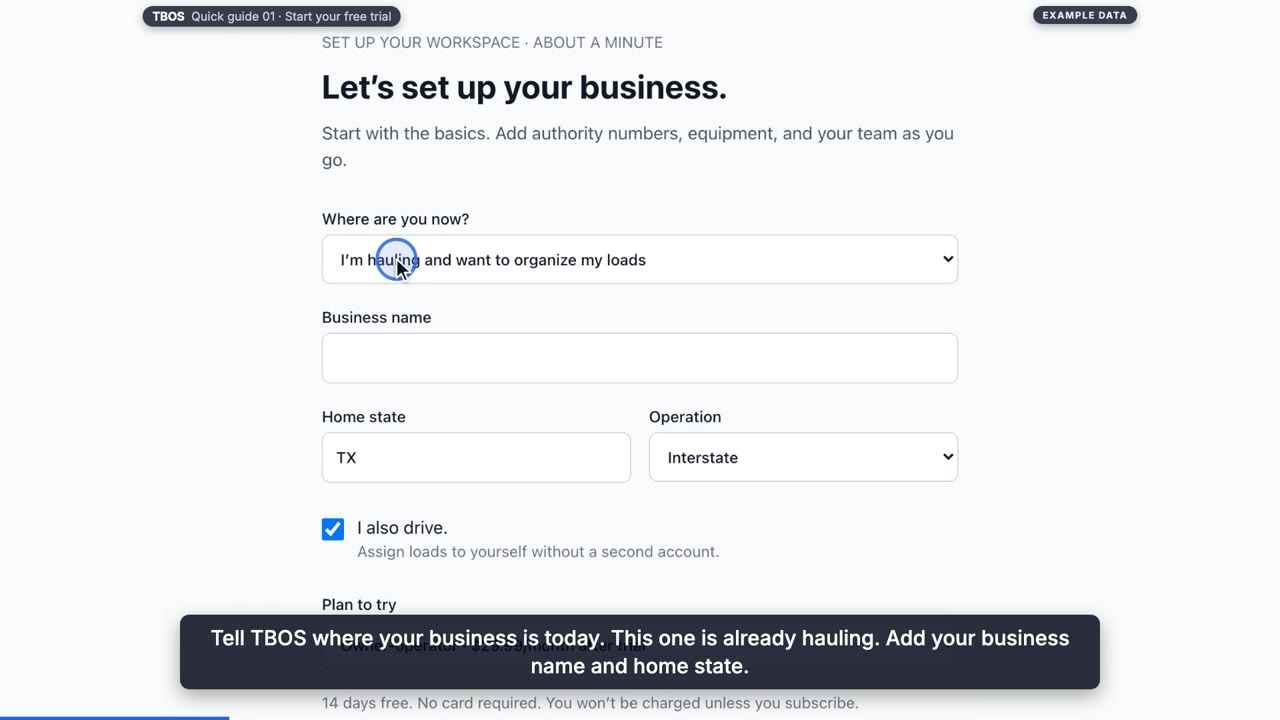
Run your loads
 57 sec
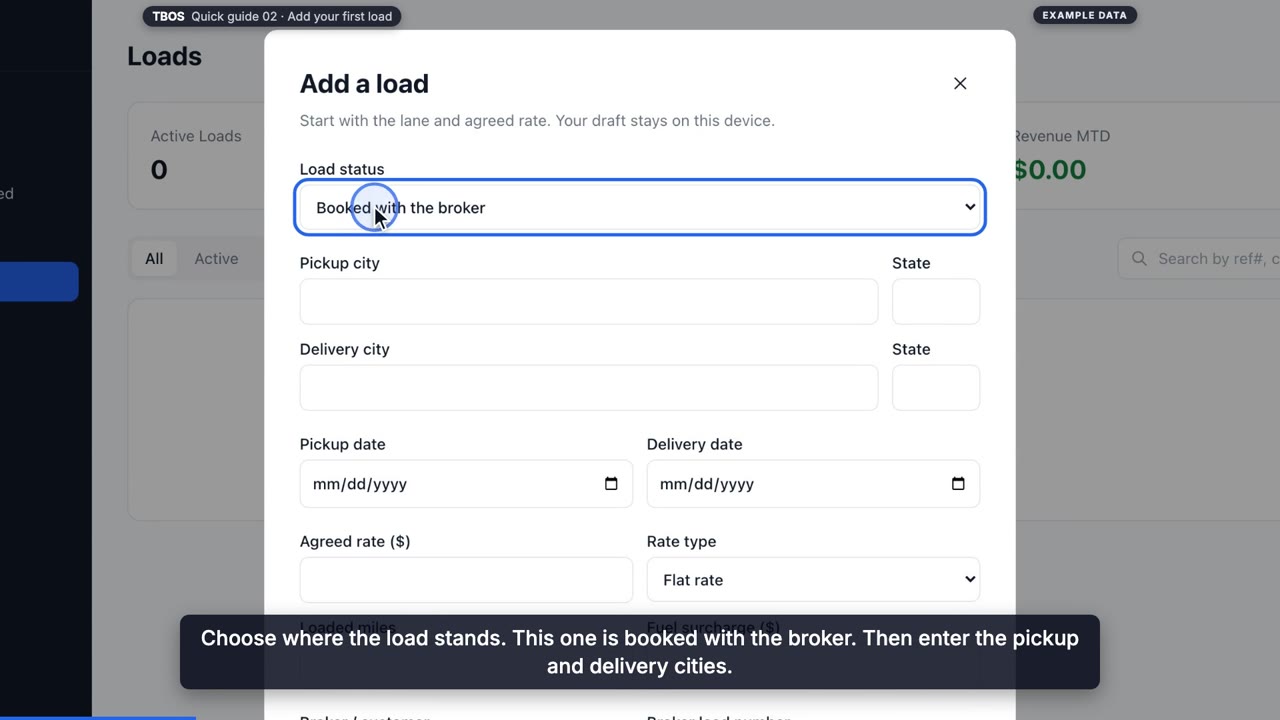
GUIDE 02
Add your first load
Record a load in about a minute: its status, lane, dates, rate and broker, then assign it to yourself, your truck and your trailer.
 49 sec
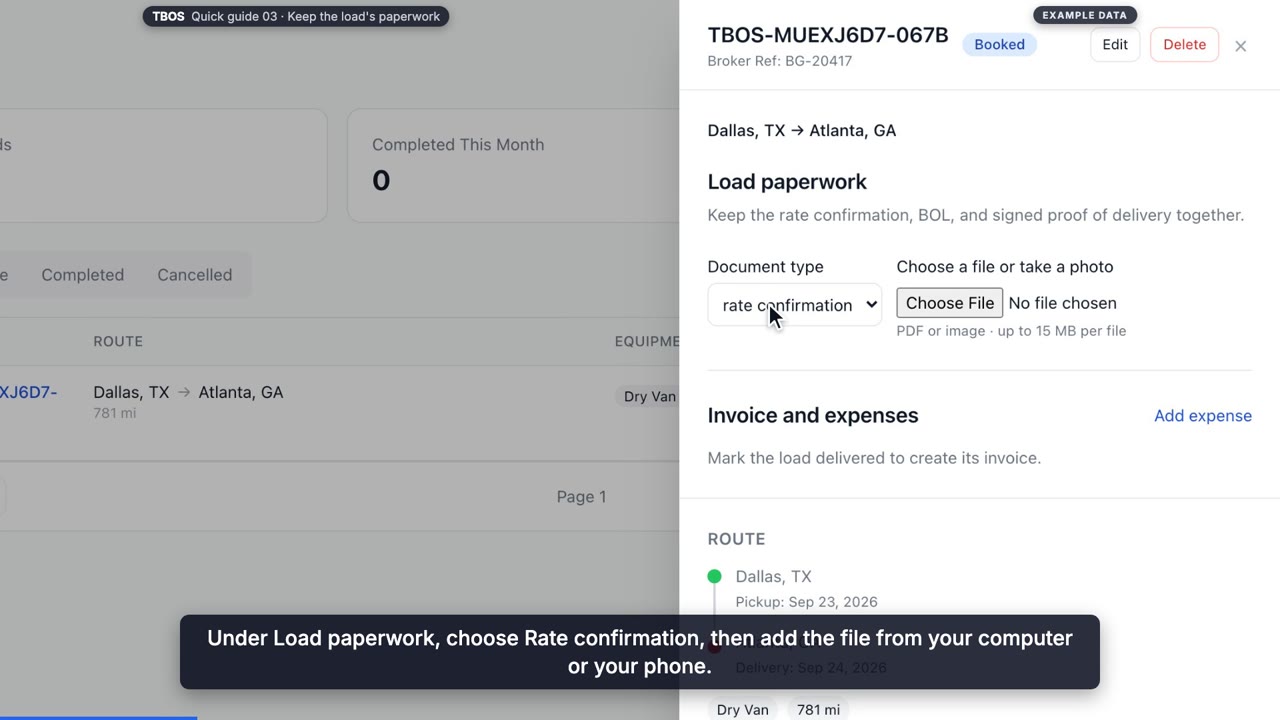
GUIDE 03
Keep the load's paperwork
Attach the rate confirmation, the bill of lading and the signed proof of delivery to the load, and update its status from booked to delivered.
 42 sec
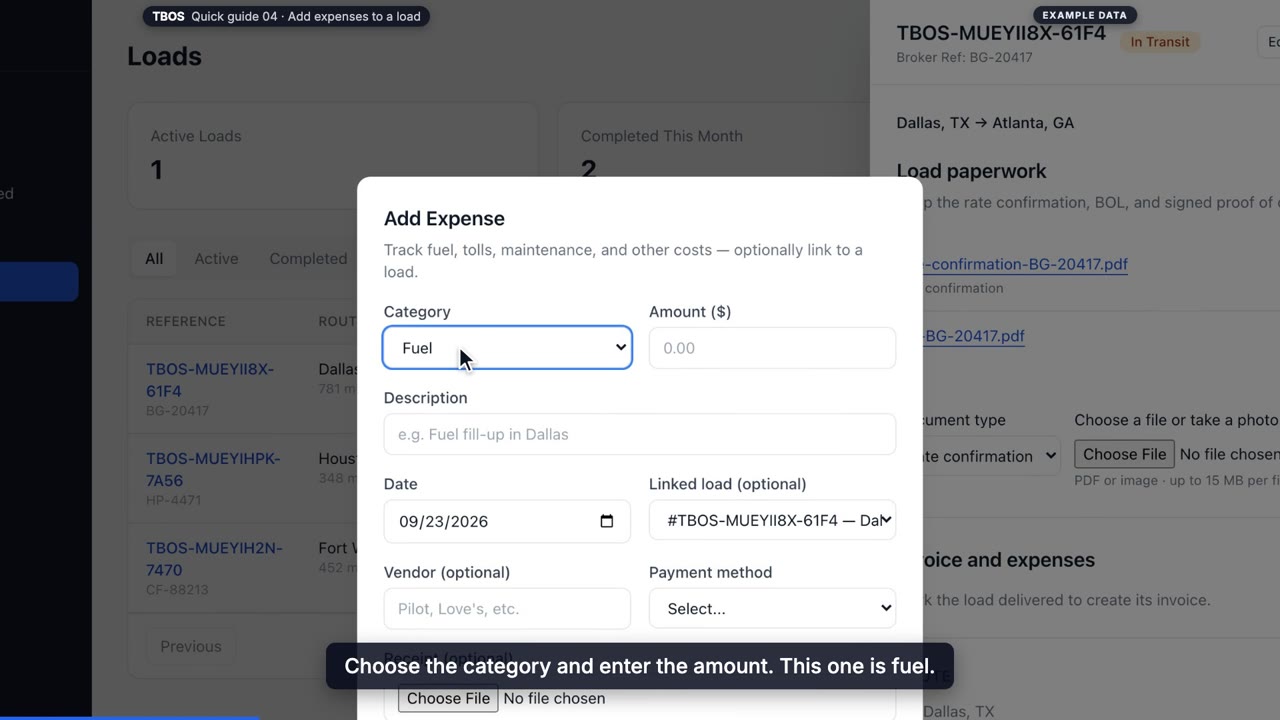
GUIDE 04
Add expenses to a load
Record fuel, tolls, lumper fees and other costs against the load, attach the receipt, and see them in Finances next to what you've been paid.
 46 sec
GUIDE 05
Send the invoice
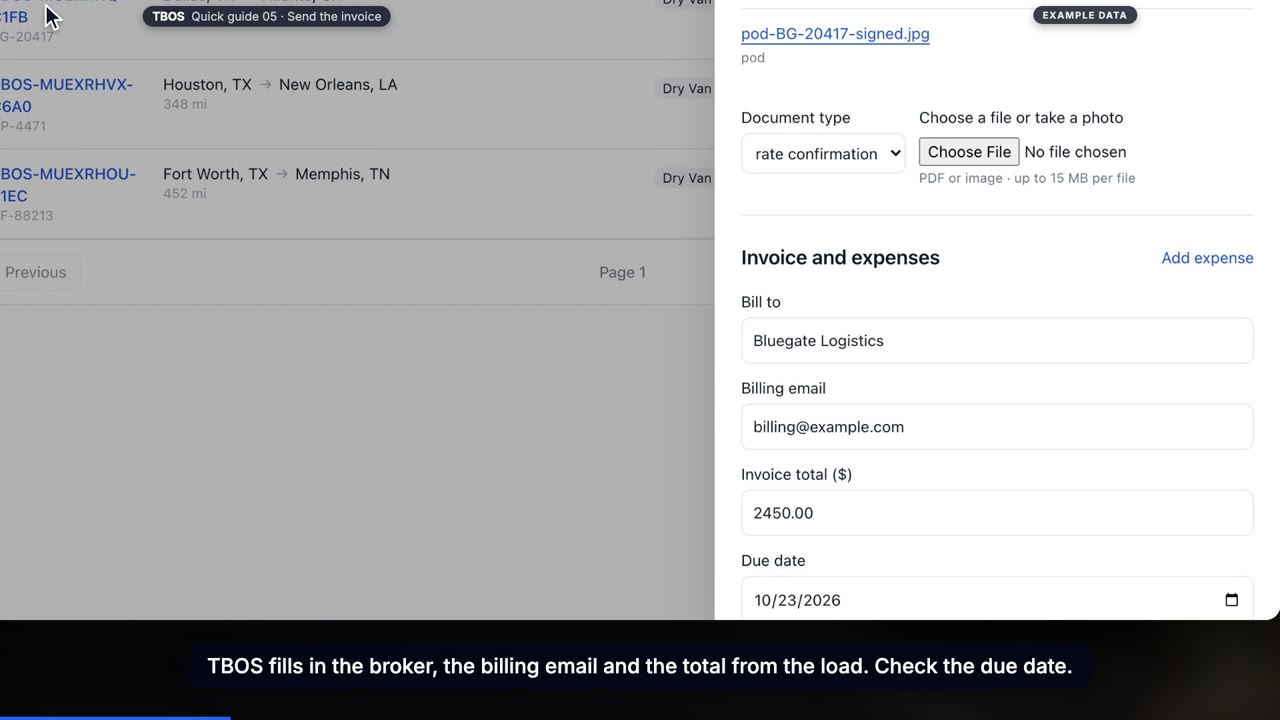
Create the invoice from a delivered load with the broker, amount and billing email filled in, then email it with the BOL, POD and rate confirmation attached.
 32 sec
GUIDE 06
Record a payment
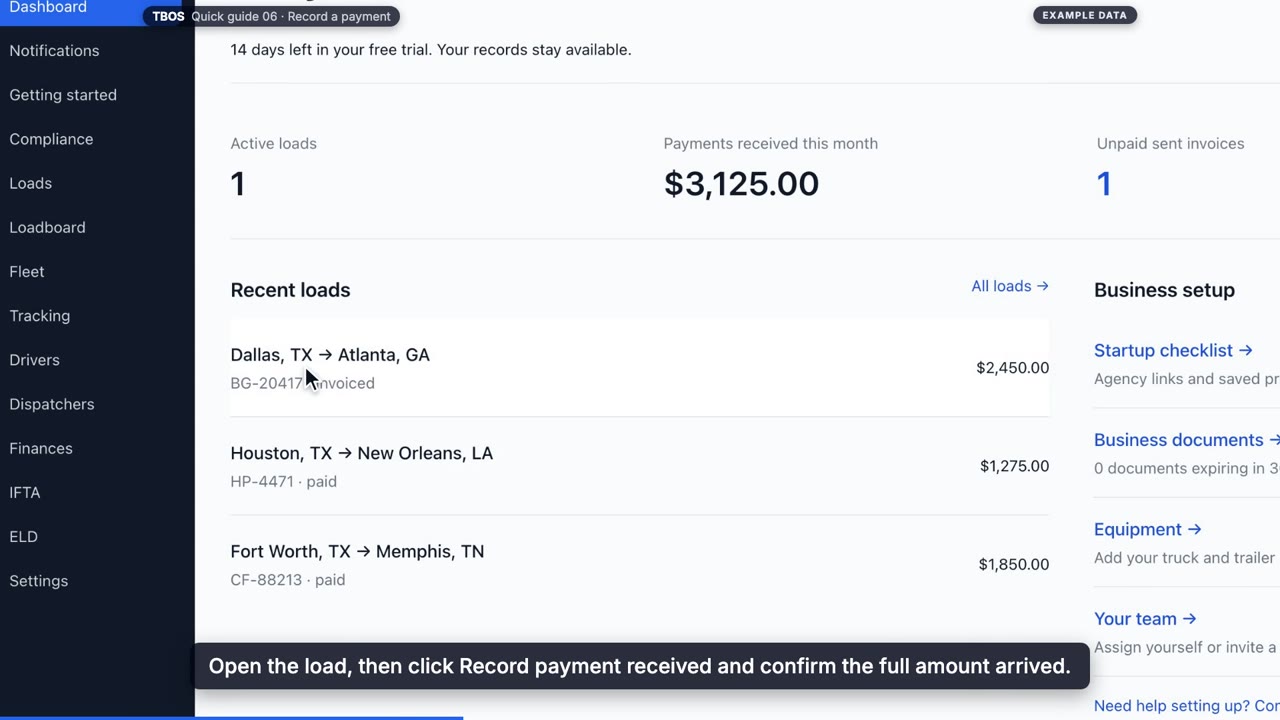
When the broker pays, record the payment on the load. The invoice and load are marked paid together, and the money shows in your monthly results.
Grow your business
 38 sec
GUIDE 07
Add a load from the loadboard
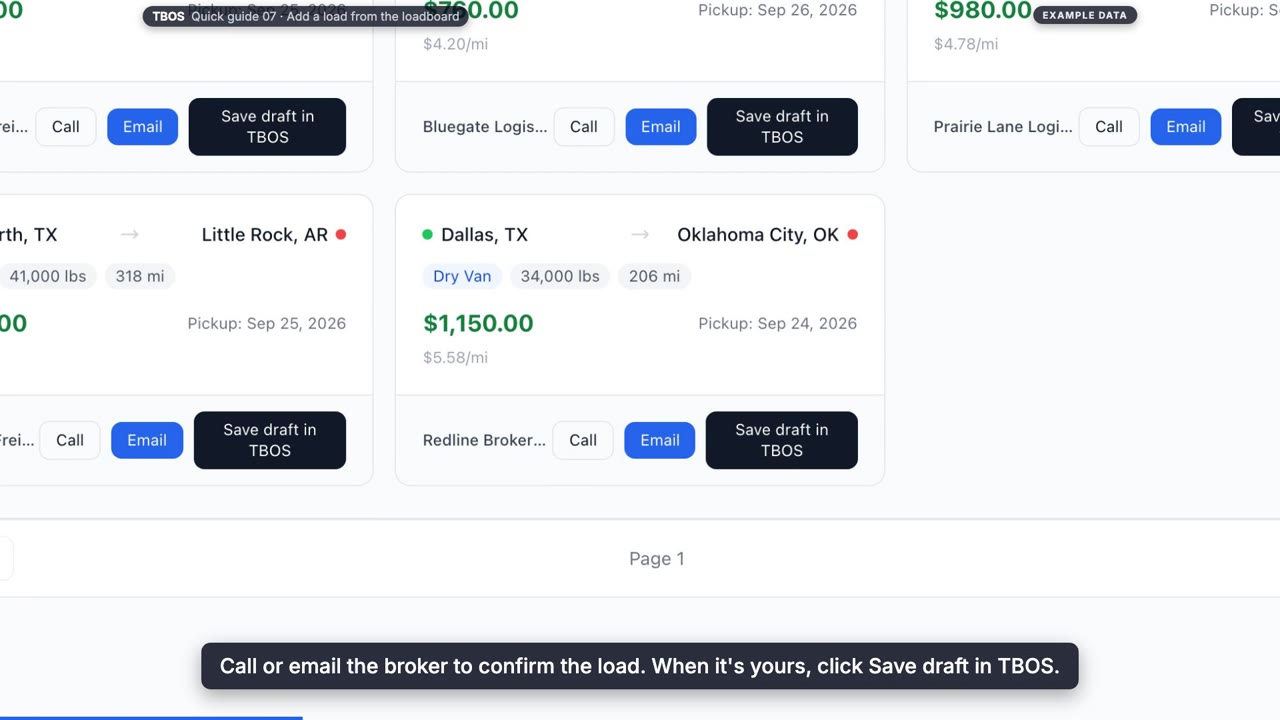
Filter the free TBOS loadboard, contact the broker, and save the load into your workspace as a draft with its lane, dates, rate and broker filled in.
 38 sec
GUIDE 08
Invite a driver
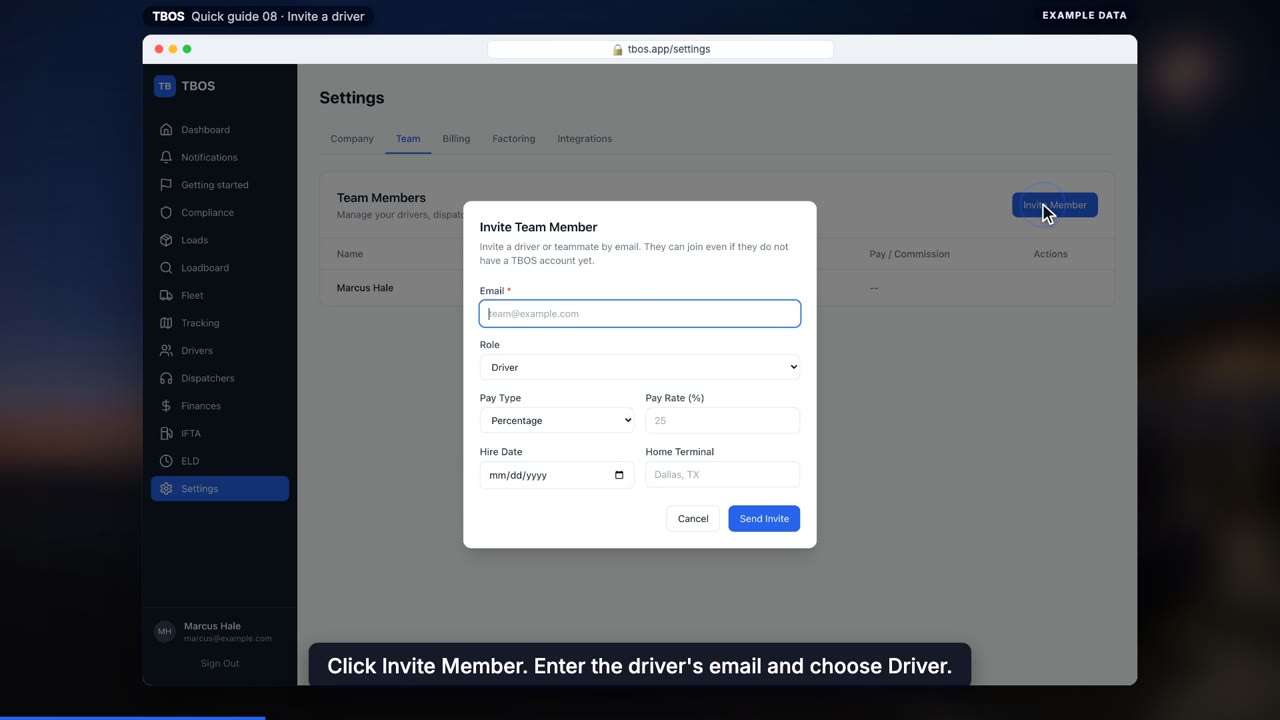
Invite a driver from Settings, set their pay per mile, by percentage or flat, and send them a link to create their own login.
Free tools
 35 sec
GUIDE 09
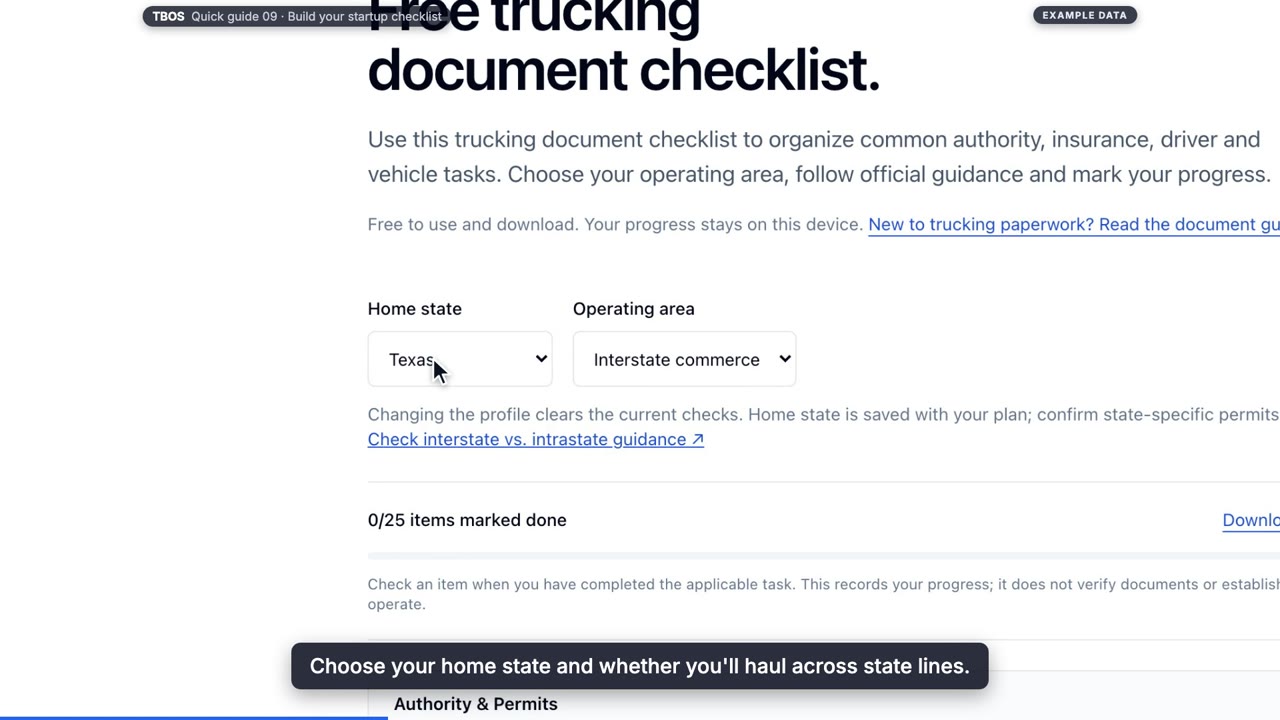
Build your startup checklist
Use the free trucking document checklist: pick your state and operating area, work through authority, insurance, driver and vehicle items with official guidance, and download your progress.
 41 sec
GUIDE 10
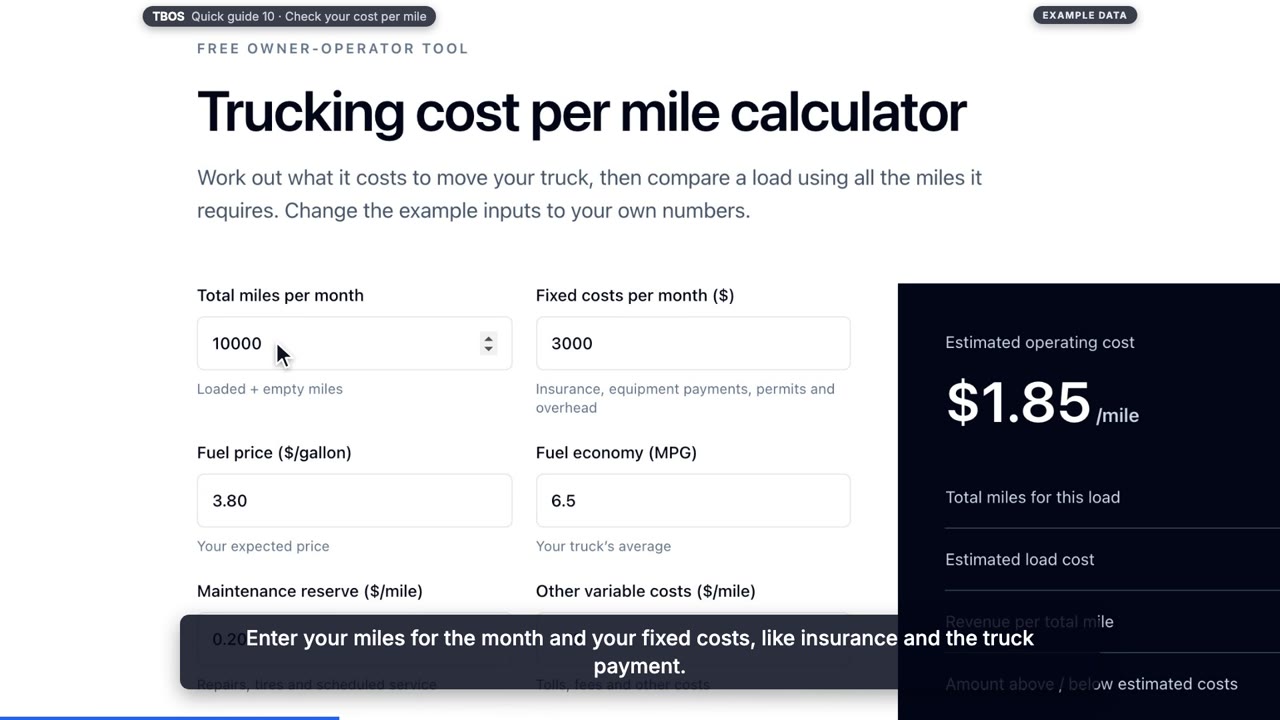
Check your cost per mile
Use the free calculator to work out what your truck costs per mile, then check a load's rate against it, including the empty miles to get there.
Put your next load in TBOS.
14 days free. No card required. Works in your browser.